The old route
Twelve recaps of the same late winner
Fan threads arguing the same substitution
A press quote clipped three different ways
Score alerts with no sense of the room
Live from the signal room
AI Sports Mood Scanner
The crowd is loud. The timeline is louder. Baskigol compresses articles, recaps, and fan talk into one readable mood report — then lets you keep asking questions.
Android · one name in, a mood report out, chat if you want to stay with the story.
Why this exists
Sports talk spills across recaps, quotes, forums, and score alerts. Baskigol is the quiet room after that: one AI-written overview of how a team or athlete is being received right now.
Public conversation leans tense-but-hopeful after a scrappy draw. The striker is still trusted; the midfield pairing is the open argument. Neutral voices call it a “character result” more than a warning sign.
Four yard lines
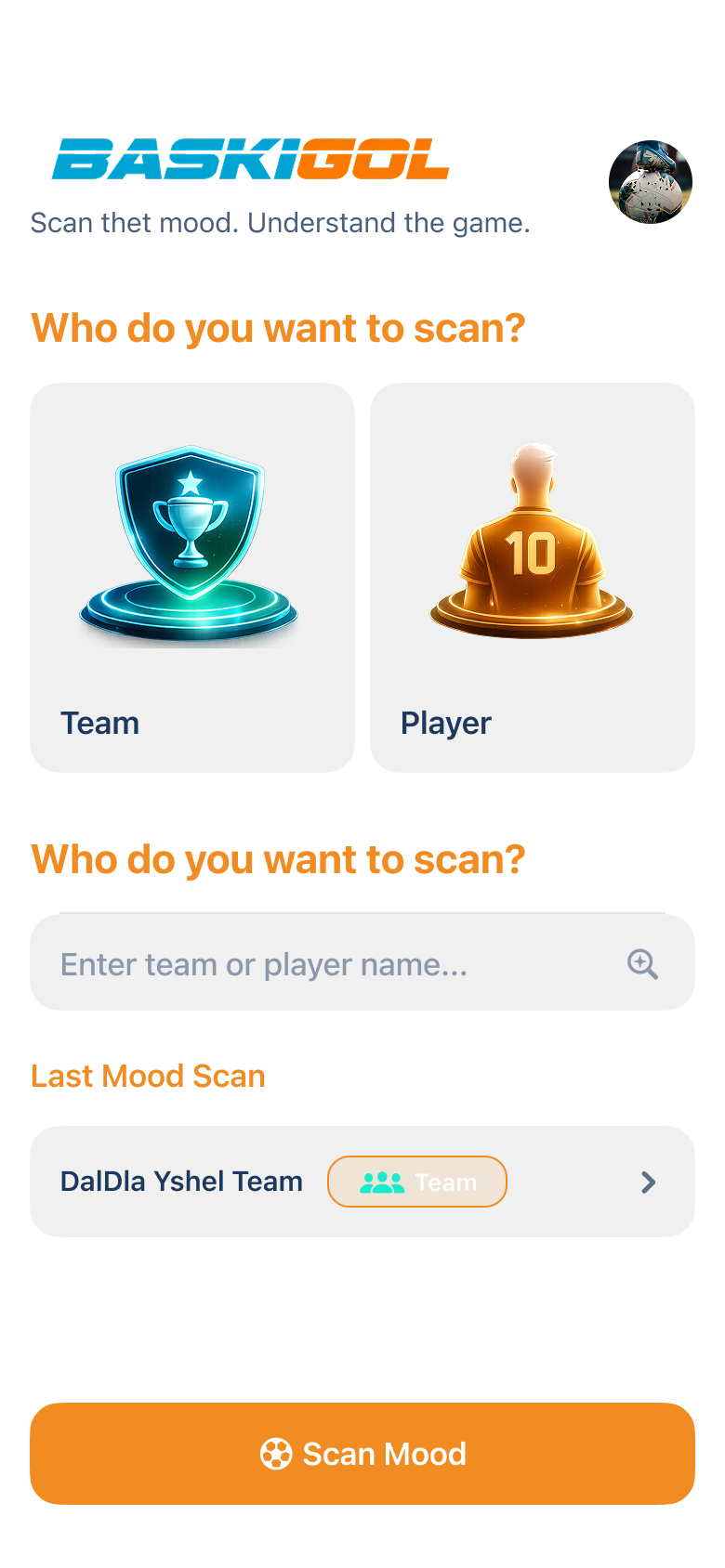
No maze. Onboarding is short, the home screen is clean, and the latest conversation stays parked until you replace it.
Team or player. Type the name. The scanner does not need a dossier — just the subject of the conversation.
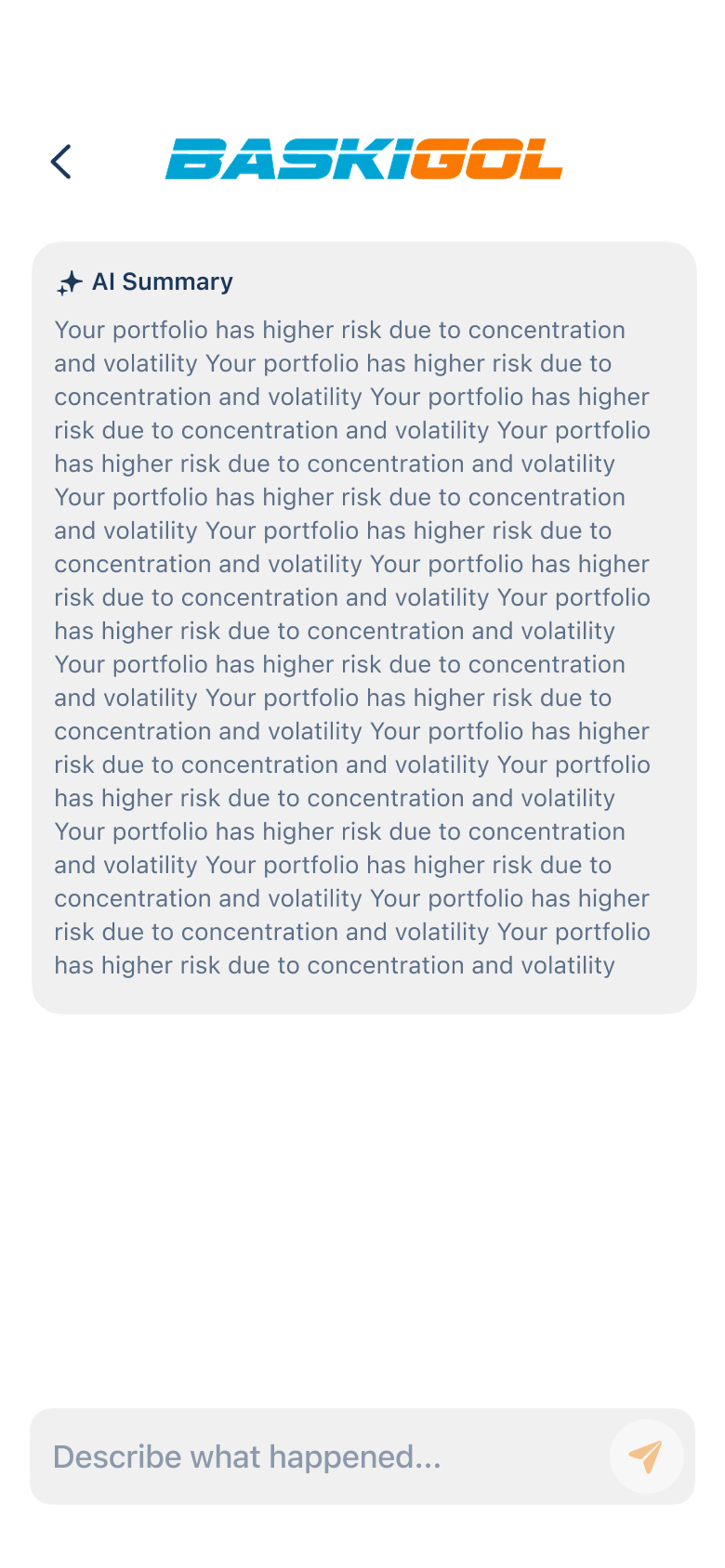
An AI-generated summary lands in markdown: reactions, tone, and the shape of the public talk around that name.
Clear hierarchy, no wall of tabs. Built for people who follow leagues, clubs, or one athlete and want the temperature, not the archive.
Ask for context, compare sides, poke at a performance. The follow-up lives on the same screen as the report.
Sideline notes
Advantages, written as a match programme rather than a grid of identical tiles.
Enter a name and receive a concise overview instead of hunting through dozens of articles and discussions.
Two doors on the home screen: scan a club, or scan an athlete. Same radar, different subject.
The report is typeset to be read, not dumped. Headings, emphasis, and a pace that matches a sports brief.
After the first summary, keep going: more context, comparisons, performance talk, recent developments.
Leave the report and it waits for you. A new scan replaces the previous one so the app stays focused, not cluttered.
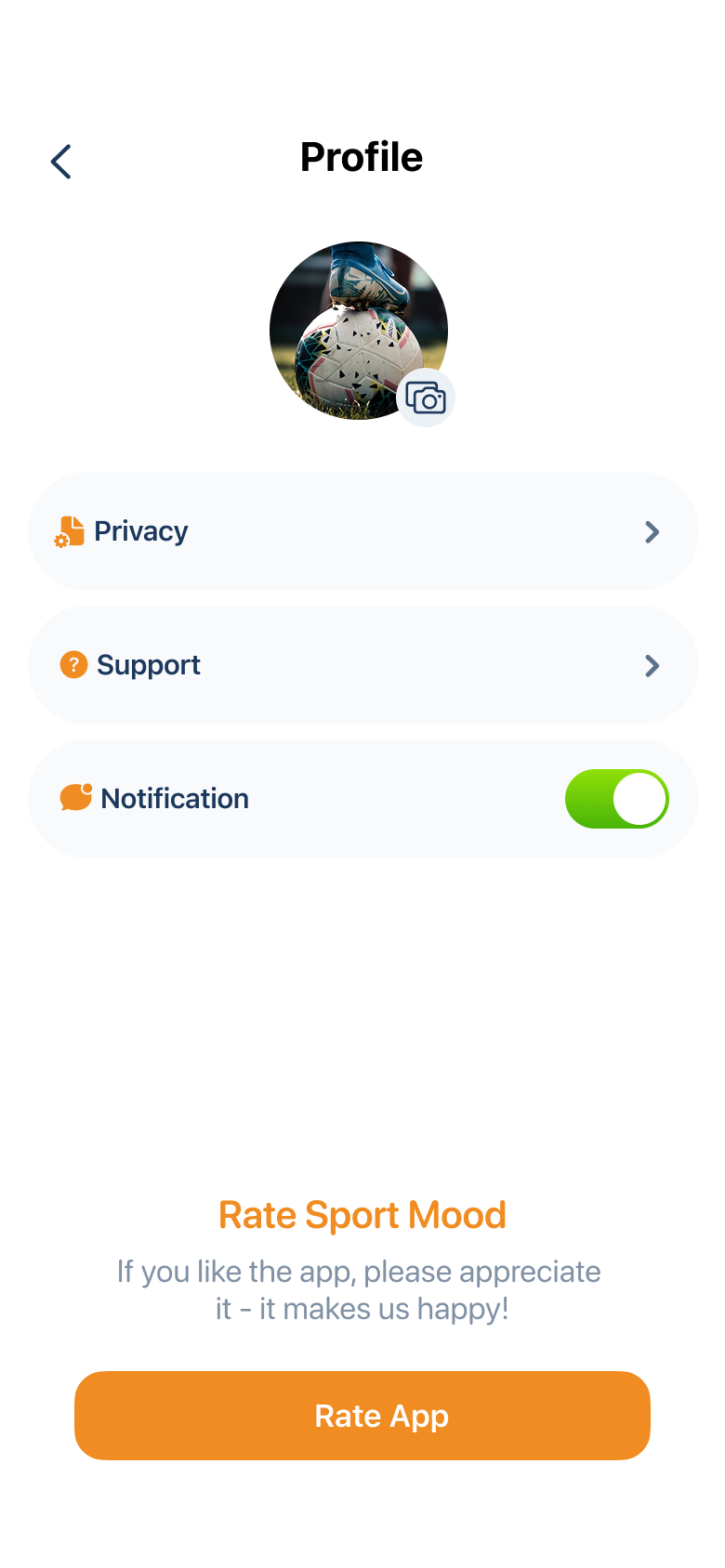
Avatar, account bits, then back to the work: scans, reports, chats. Built for regular sports tracking, not for decorating a dashboard.
After the whistle
The first page gives you the temperature. The thread lets you stay with a story: a derby hangover, a transfer rumour, a player who suddenly owns the conversation.
From the device
Home, report, profile — the three rooms of the scanner, captured from a vertical phone.
Touchline questions
Sports followers who want a fast read on trends, reactions, and public conversation — major leagues, international competitions, local clubs, or a single athlete.
No. Users do not send data to each other. The developer does not stock a biography. At most, a unique ID exists for tracking and push notifications. The privacy page says this in full, in plain language.
The text you type: the subject of the scan and your follow-up messages. It is a third-party writing engine, not a vault of personal records. Details sit on the Privacy page.
When you leave the report, home keeps a Last Mood Scan. Start a new scan and it replaces the previous one on purpose — one conversation in focus.
Full time
Onboarding, a clean home screen, a report, a chat, and a last scan waiting when you return. Baskigol is built for speed, clarity, and the next match conversation.
Store badge and package name go here when the listing is live.
Scan the mood.
Understand
the game.